A model for the task
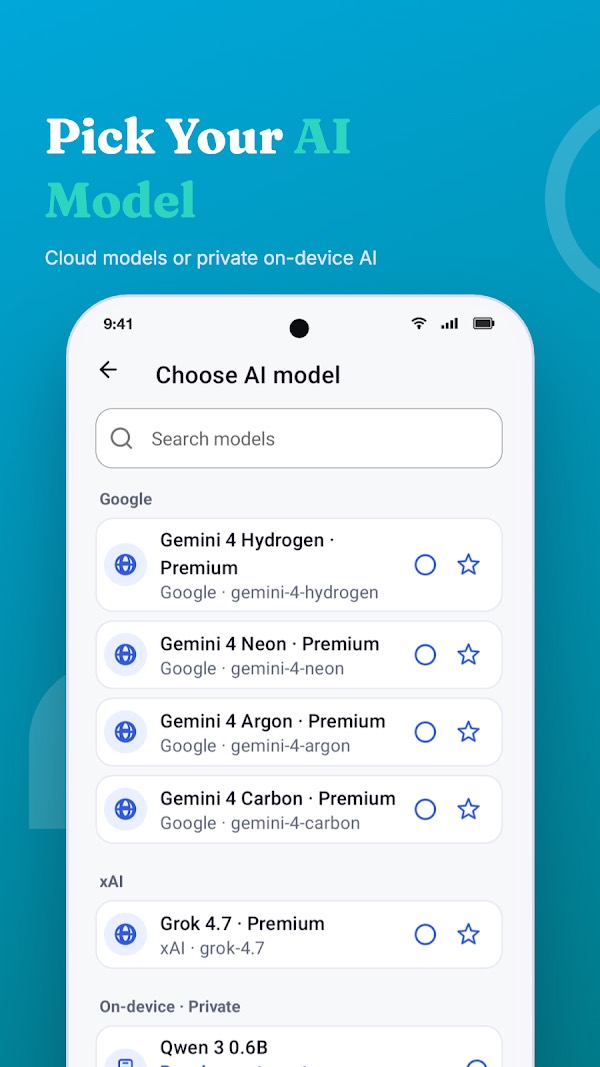
Choose from available models through a shared conversation interface. Inputs and capabilities follow the selected model, while your chat history keeps the context of the exchange.
Personal AI assistant
Choose the model. Keep the conversation.
Work with AI models in one assistant, bring images and document context into the conversation, and read answers as they arrive.
Workflow
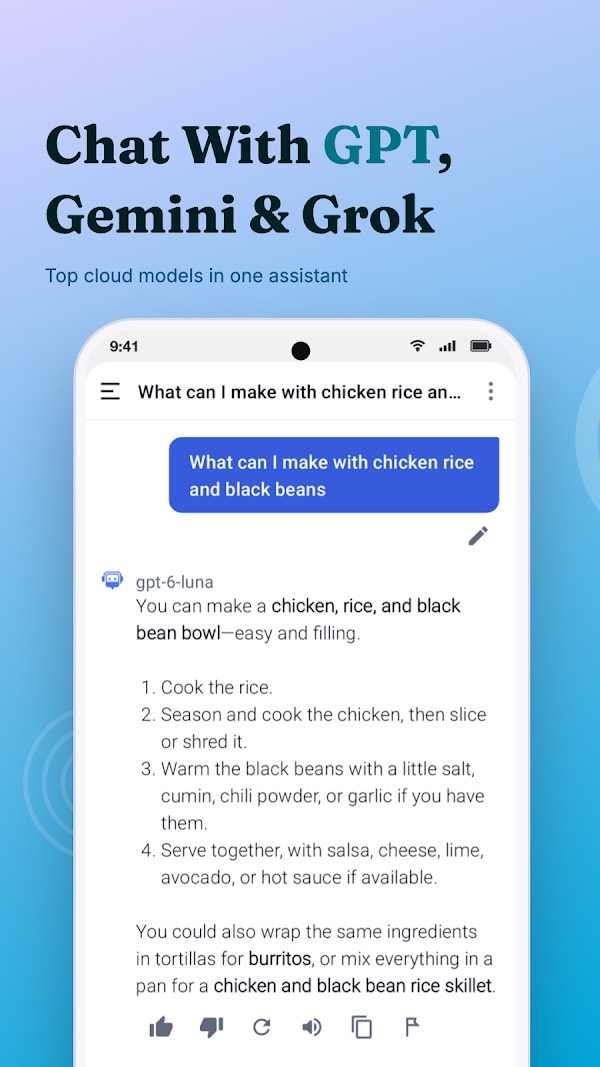
Choose a model for the task, ask a question and keep the exchange in one conversation. DigitMind AI connects model choice, multimodal input and streaming responses, so you can work through a question without moving between separate assistants.
Choose from available models through a shared conversation interface. Inputs and capabilities follow the selected model, while your chat history keeps the context of the exchange.
Use supported text, image, voice and document inputs to give the model more to work with. A photo can provide visual context; a document can give a question the details it needs.
Streaming makes a long response readable as it is generated. You can stop an answer, retry a request or return to the conversation later. Received text stays visible if a response is interrupted.
Technology