A photo becomes an editable entry
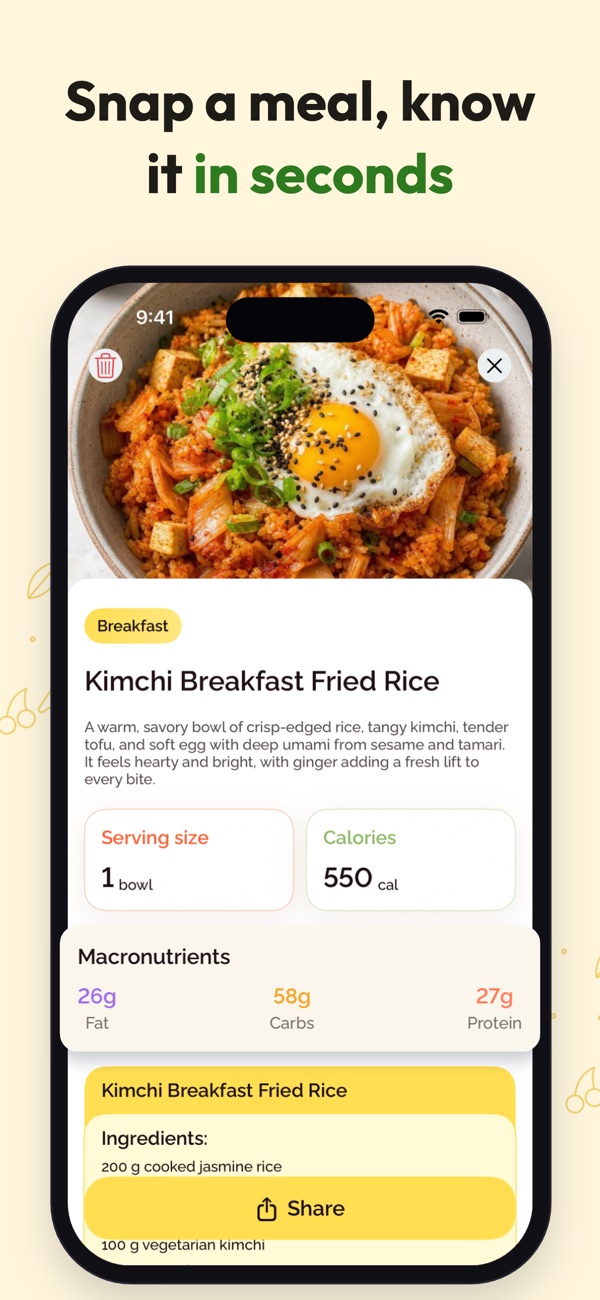
Image analysis identifies possible foods and estimates their portions and macronutrients. You can correct the result before adding it to the log, keeping the final entry under your control.
AI nutrition tracking
Photograph a meal. Review the nutrition.
Turn a meal photo into an editable estimate of foods, portions and macros, then save it to your daily nutrition log.
Workflow
BiteCheck reduces the work of recording a meal. The photo provides the starting point; you review the suggested foods and portions before saving. Meals, goals, activity and weight then give the entry its daily context.
Image analysis identifies possible foods and estimates their portions and macronutrients. You can correct the result before adding it to the log, keeping the final entry under your control.
Review meals alongside nutrition goals, activity, weight and fasting. The daily log and recommendations help connect individual meals to patterns over time.
Technology