One profile for the listing
The app profile records the audience, important features, terminology and visual direction. Screenshot Studio, ASO Studio and Icon Studio use that context to keep the materials connected to the same product.
AI tools for app publishing
Turn app screens into a release-ready listing.
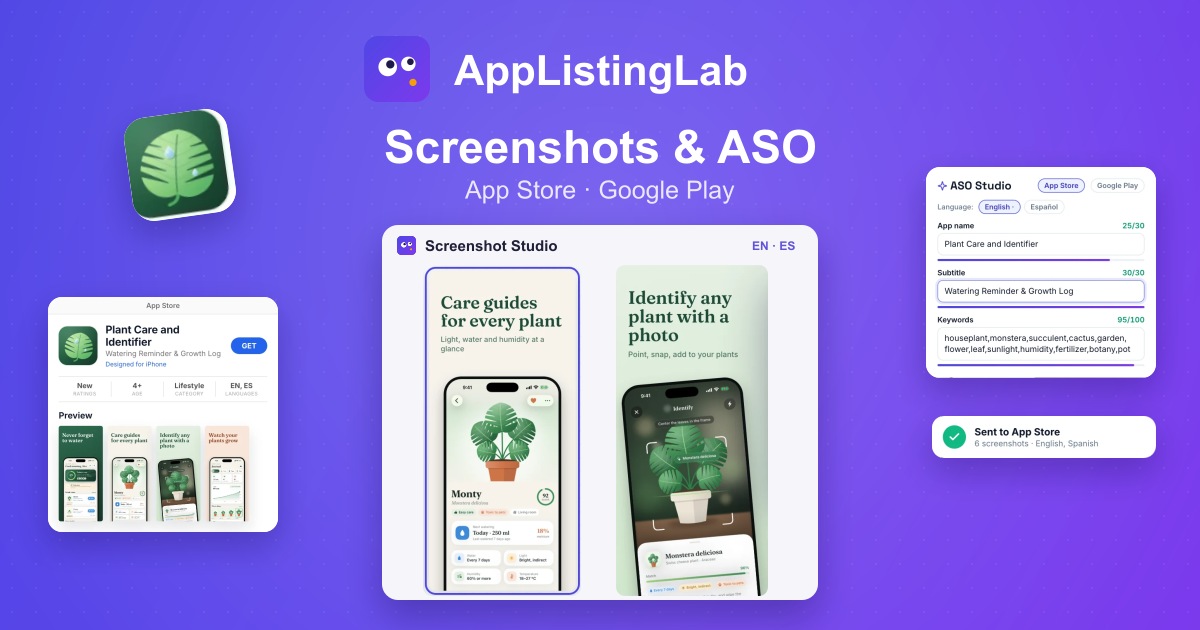
Create screenshots, store copy, icons and localizations from one app profile. Prepare the materials through the workspace, Developer API or an AI agent using MCP.
Workflow
Give AppListingLab the product context and real app screens. Use that shared profile to prepare visuals and copy for different store formats and languages, then review the materials together before publishing.
The app profile records the audience, important features, terminology and visual direction. Screenshot Studio, ASO Studio and Icon Studio use that context to keep the materials connected to the same product.
Combine app screens with layouts, captions and device presentations. Review the rendered sizes alongside localized wording, so a translated benefit still fits the layout in which users will see it.
Select the app, store, language and asset type before publishing. Integrations with App Store Connect and Google Play carry the reviewed materials to the selected listing.
The Developer API and MCP tools let an AI agent work with the app profile, upload screens, generate assets and prepare release materials. People can review the same project and outputs in the workspace.
Technology